
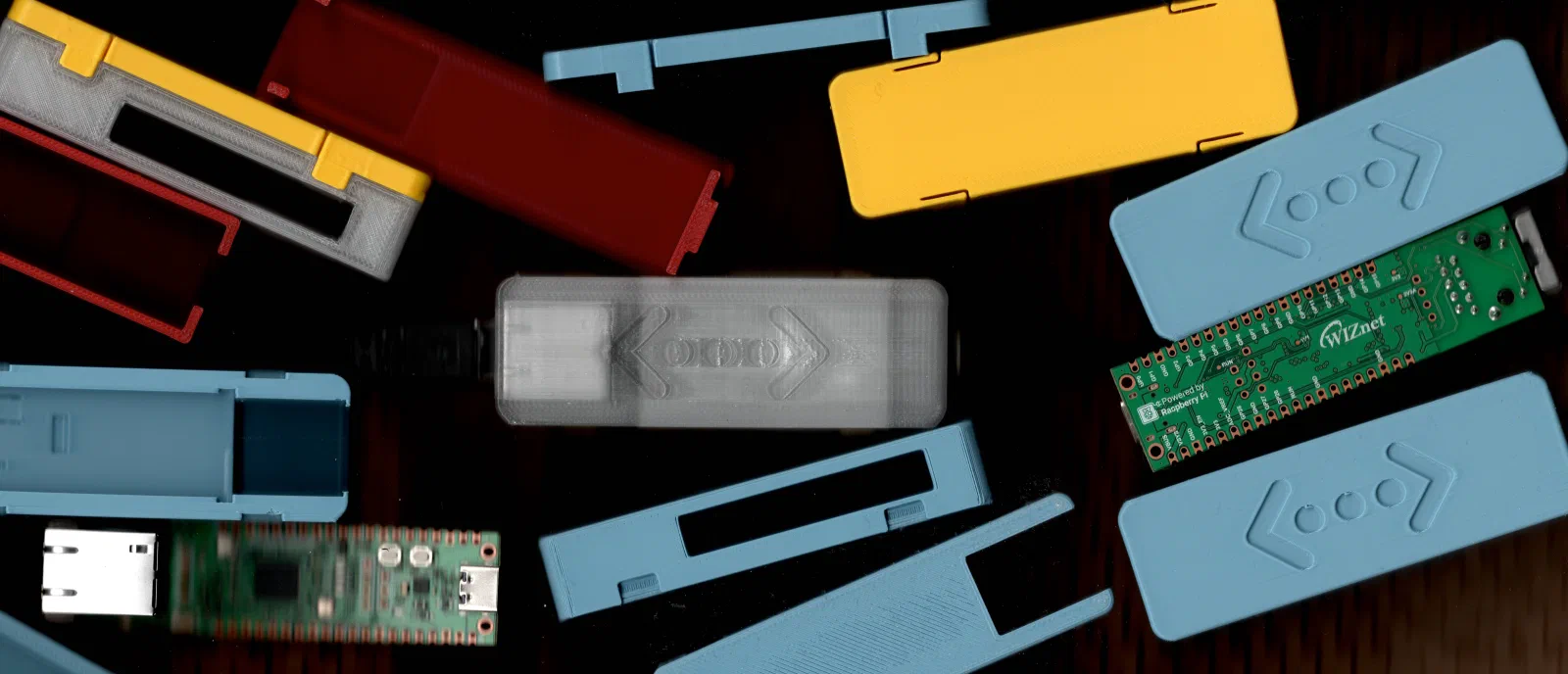
picoplug turns a $12 WIZnet development board into a pocket network tool. The picoplug connects to your phone as a USB Ethernet adapter and hosts a web application with various network diagnostic tools.
Try the live demo! This runs the picoplug firmware via WebAssembly. A Go application generates network traffic, and the client web page is served by the emulated picoplug. Pull out the Wireshark KVM drawer to inspect the traffic.
Features
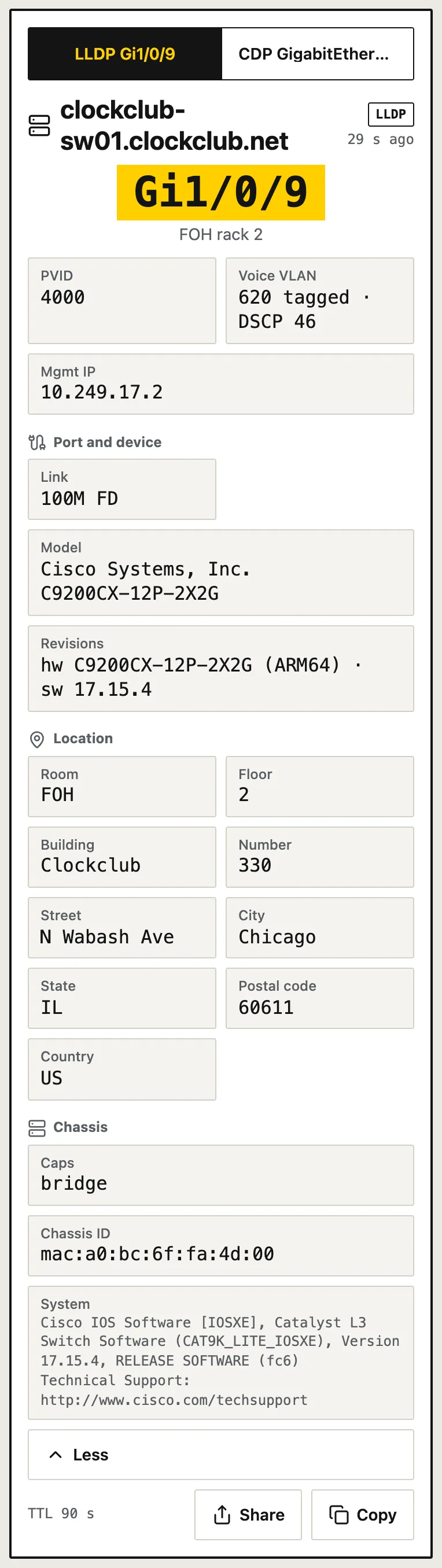
LLDP & CDP
- Switch management info: MAC and IP
- Port-level info like VLANs and port descriptions
- Switch software versions and serial numbers
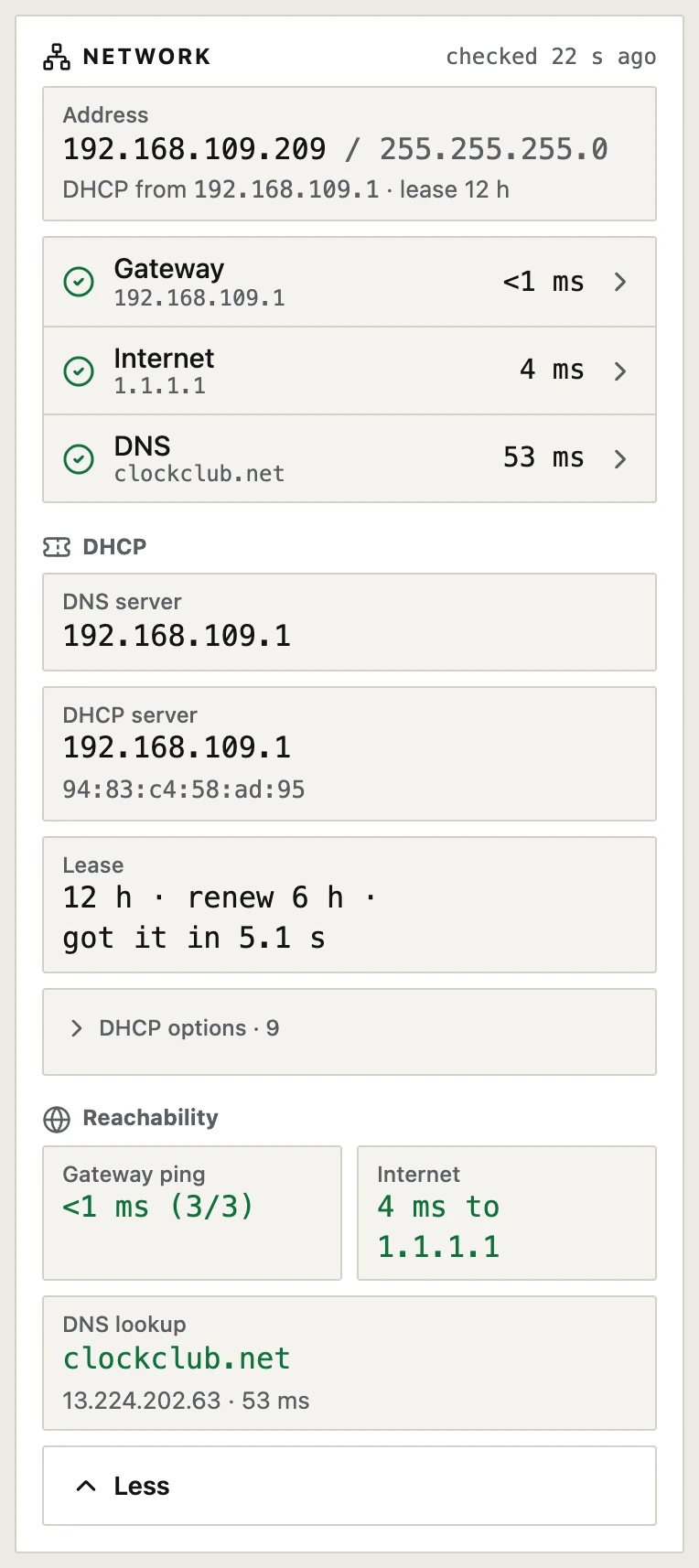
Network
- DHCP
- DNS
- Internet
- Ping
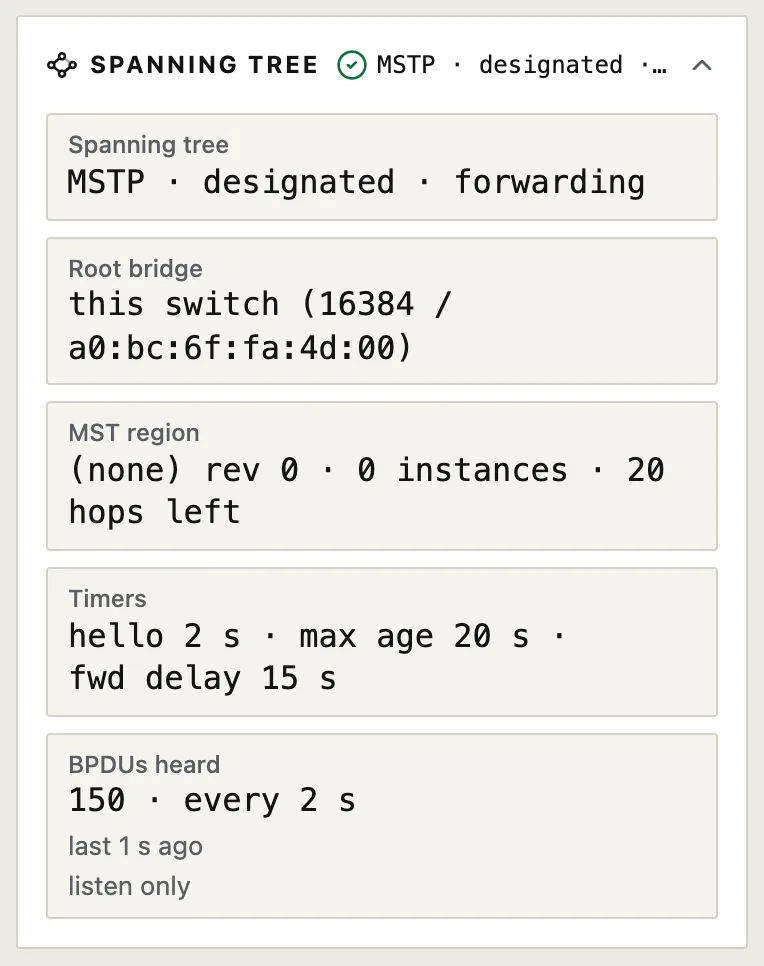
Spanning tree
- STP, RSTP or MSTP, with port role and state
- Root bridge priority and MAC
- MST region and revision
- Timer and BPDU intervals
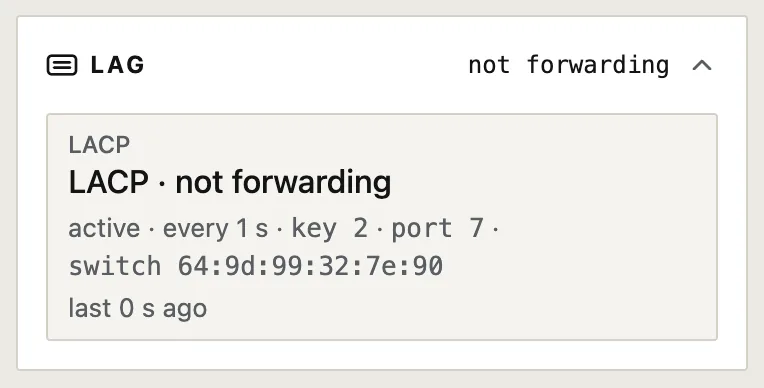
LAG
- LACP from the switch: forwarding or not
- Active or passive, key and port
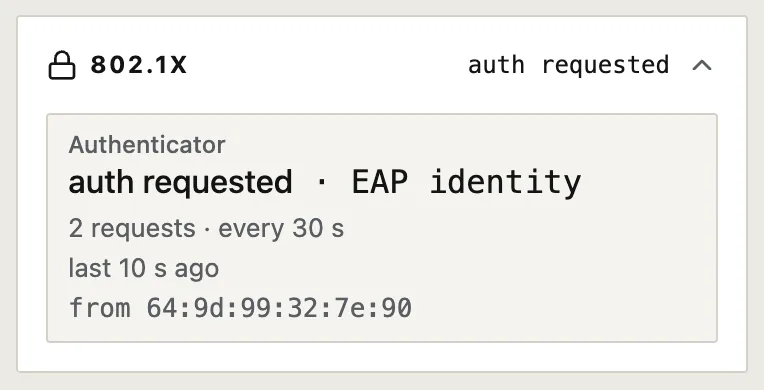
802.1X
- Display when port asks for authentication
- Authenticator MAC and request frequency
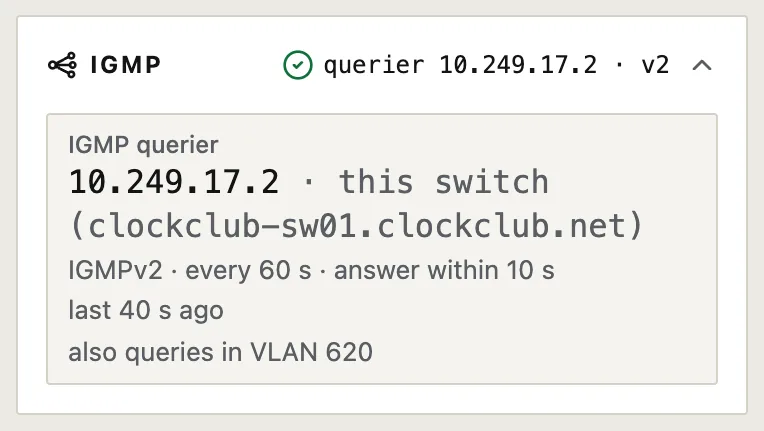
IGMP
- IGMP querier: address, version and interval
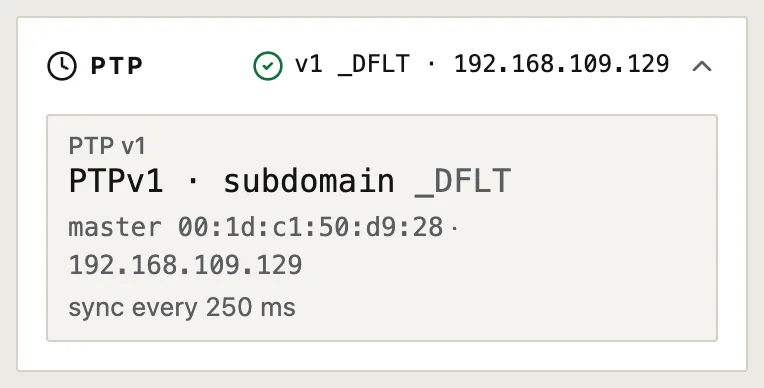
PTP
- PTPv1 and PTPv2 masters
- Grandmaster, domain, or subdomain
- Transport and sync interval
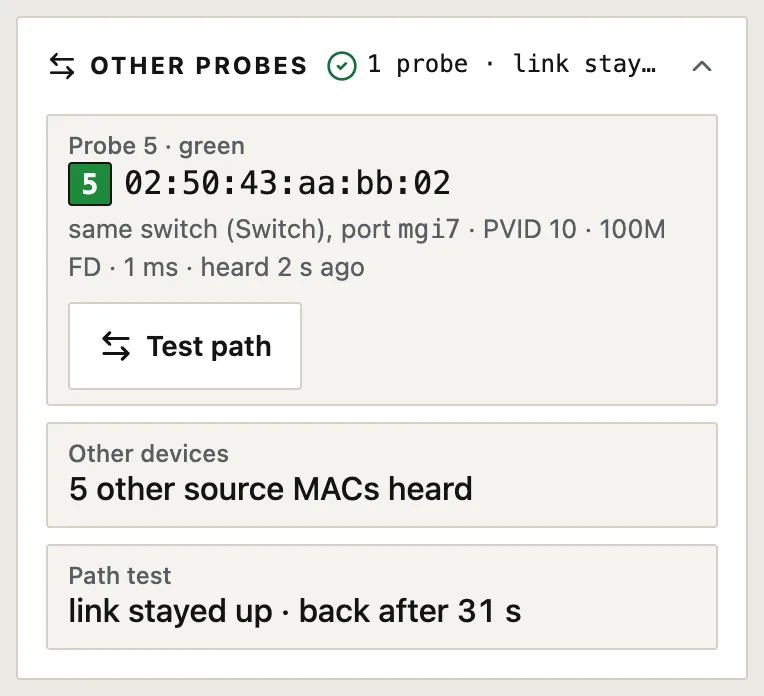
picoplug remote
- Click to inspect remote picoplugs
- Testers discover each other via mDNS
clockclub-sw01>sh lldp nei
Device ID     Local Intf
picoplug-2    Gi1/0/9
LLDP/CDP advertisement
- Discoverable via switch and other network tools
Tools, Port Log, and Settings
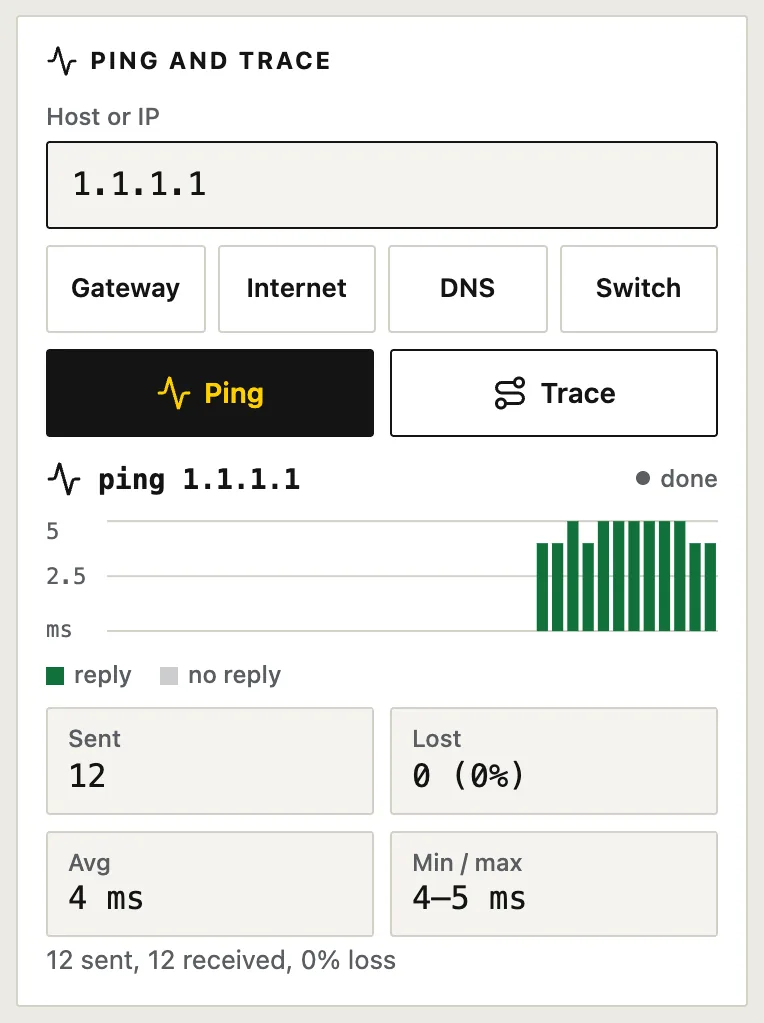
Tools
- Ping
- Traceroute
- Blink port
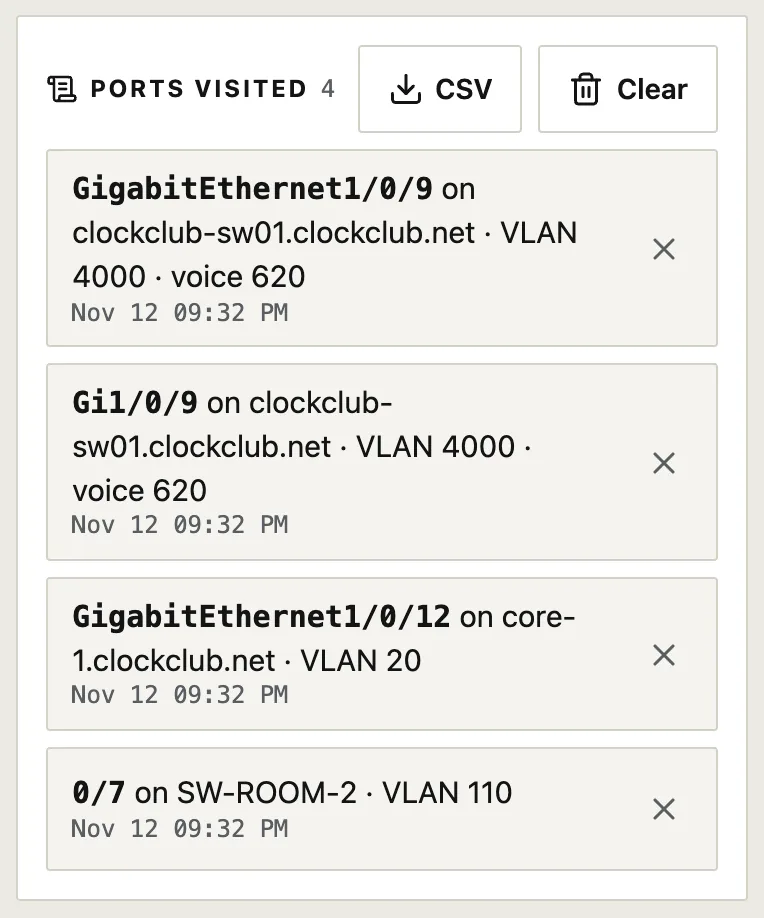
Port Log
- Every port visited, kept in the phone's browser
- A note per port
- CSV export
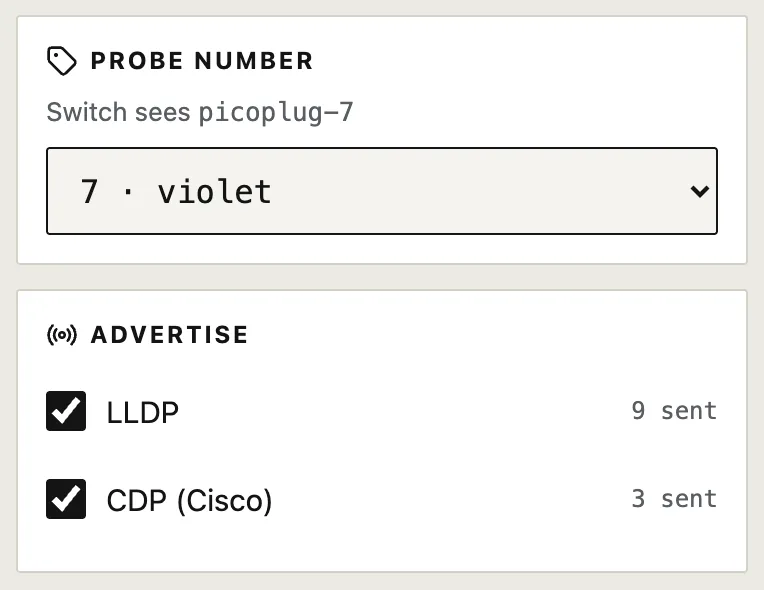
Settings
- Probe number
- LLDP and CDP advertising
- Light or dark
- Port-check targets, the USB address and the Share link
Hardware
picoplug runs on WIZnet's W55RP20-EVB-Pico board. This $12 development board is available through electronic component distributors like DigiKey and Mouser. The board hosts a W55RP20. This SiP puts an RP2040 microcontroller and W5500 Ethernet controller into a tiny 8mm x 8mm package. picoplug boots within seconds and is powered by the phone. Files for printing the case are included in the project.
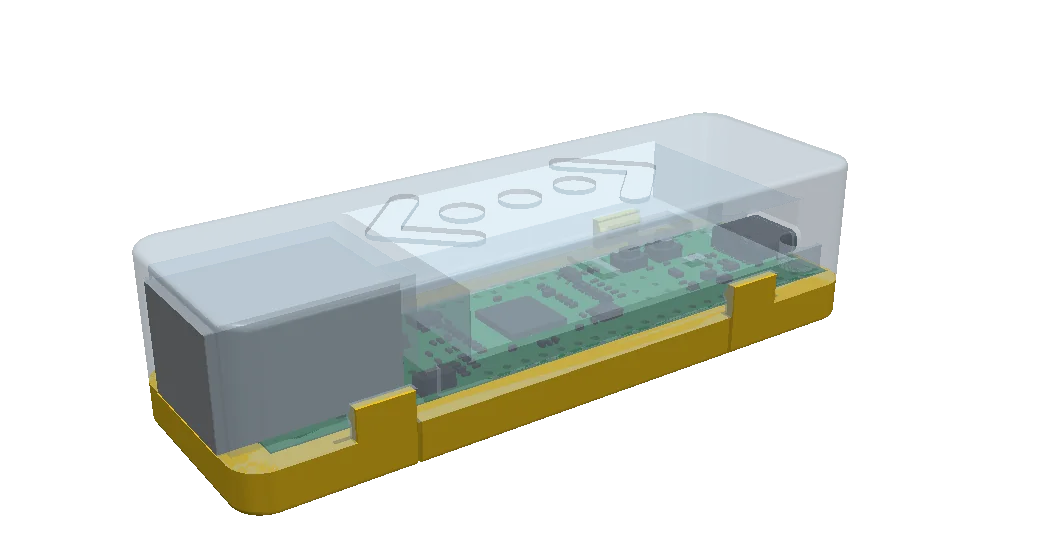
Make your own picoplug
- Purchase a W55RP20-EVB-Pico: DigiKey, Mouser
- Download the firmware: latest release
- Flash the firmware: Hold down the BOOTSEL button when plugging the board into a computer or phone. Once the
RPI-RP2volume appears, copy over the-w55rp20.uf2firmware file. - Print the case: STL files
- Plug it into your phone: The picoplug is accessible at http://192.168.7.1 or http://picoplug.local. The IP address can be changed in the Settings tab. Android and iOS devices handle network routes slightly differently. On Android devices, you might need to enable Airplane mode to access the picoplug.
picoplug vs. testers that cost more than $12
| LinkRunner 10G | Pockethernet 2 | netool.io | picoplug | |
|---|---|---|---|---|
| Price | $5,675 | $275 | $299 | $12 |
| Costs $12 | - | - | - | |
| Gigabit | - | |||
| Multi-gig/10G | - | - | - | |
| SFP+ transceiver support | - | - | - | |
| Wire map | - | - | ||
| Cable length and fault finding (TDR) | - | - | ||
| Tone generator for tracing cable | - | - | ||
| Test PoE | - | - | ||
| Built-in display | - | - | - | |
| Battery powered | - | |||
| Report generation | - | - | ||
| Product support | - | |||
| LLDP and CDP | ||||
| DHCP | ||||
| Ping | ||||
| Blink remote switch port |
FAQ
- Can it test PoE?
- Can it do wiremap?
- Can it test gigabit links?
No, that would cost more than $12. I've thought of adding an e-ink display, PoE, RS-232 console, battery, and other things like that. But that always adds much more to the price. For this project, I've focused on living within the constraints of this stock $12 board.